
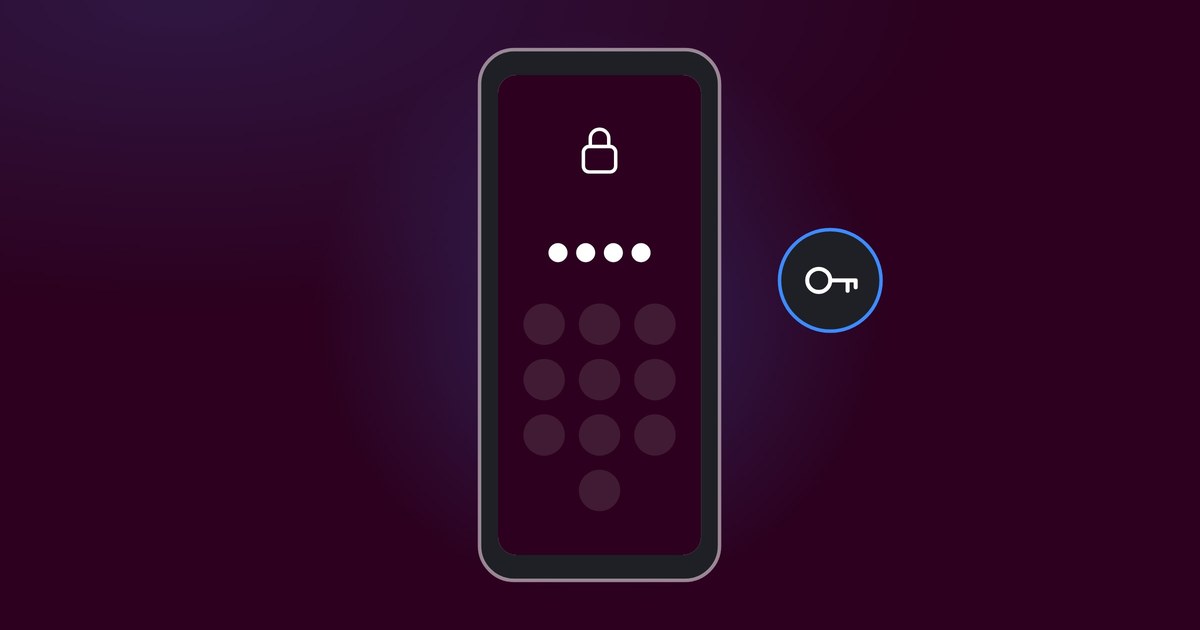
Your phone knows more about you than most people around you. It holds your banking, your messages and perhaps your medical appointments. Yet all it takes is for someone to borrow it unlocked for a while, and everything is open. With Private Space on the Matrix phone you put the most sensitive things behind a lock of their own. Here is how.
Step by step
How to create a Private Space
It takes a couple of minutes. Everything is done in the phone's settings, with no accounts and no extra apps.
-
Go to Settings, Security & privacy and choose Private Space. The phone creates the space for you.
-
You can use the same screen lock as the rest of the phone, but a separate PIN adds extra protection. The space gets its own encryption keys.
-
The apps in the space are separate copies with their own data. They cannot see your normal apps, files or contacts, and your normal apps cannot see them.
-
One tap locks the space. The apps are stopped, notifications go quiet and they do not appear in the recent apps. You can also choose to hide the space completely while it is locked.
-
Search for Private Space in the app list and unlock it with your PIN. Without the PIN, there is nothing to see.
What should go in your Private Space?
Start with what would feel uncomfortable if someone else saw it. For most people that includes some of these:
- Banking and payments, so that nobody who borrows the phone can reach them.
- Healthcare apps and records.
- Messaging apps for conversations that should stay between you and the other person.
- Photos and documents that should not appear in the phone's normal gallery.
- Apps that need Google services. With sandboxed Google Play only inside the space, Google cannot reach the rest of the phone.
Why it works better on the Matrix phone
Private Space is part of Android 15, but on an ordinary Android phone Google's services sit deep in the system, and to install apps in the space you sign in with a Google account. The Matrix phone runs GrapheneOS, which has no Google services built in. The space is then truly yours: its own encryption keys, no account required, and you decide which apps may use the network.
Every Matrix phone is installed, hardened and tested by hand in Hedemora, Sweden, before it ships. It works like any smartphone, BankID and most banking apps work, and a manual in Swedish is included.
Help from real people
Wondering how best to split up your apps, or stuck along the way? Our support team answers by phone and email, and the help is included when you buy the phone.
 Swedish
  English